



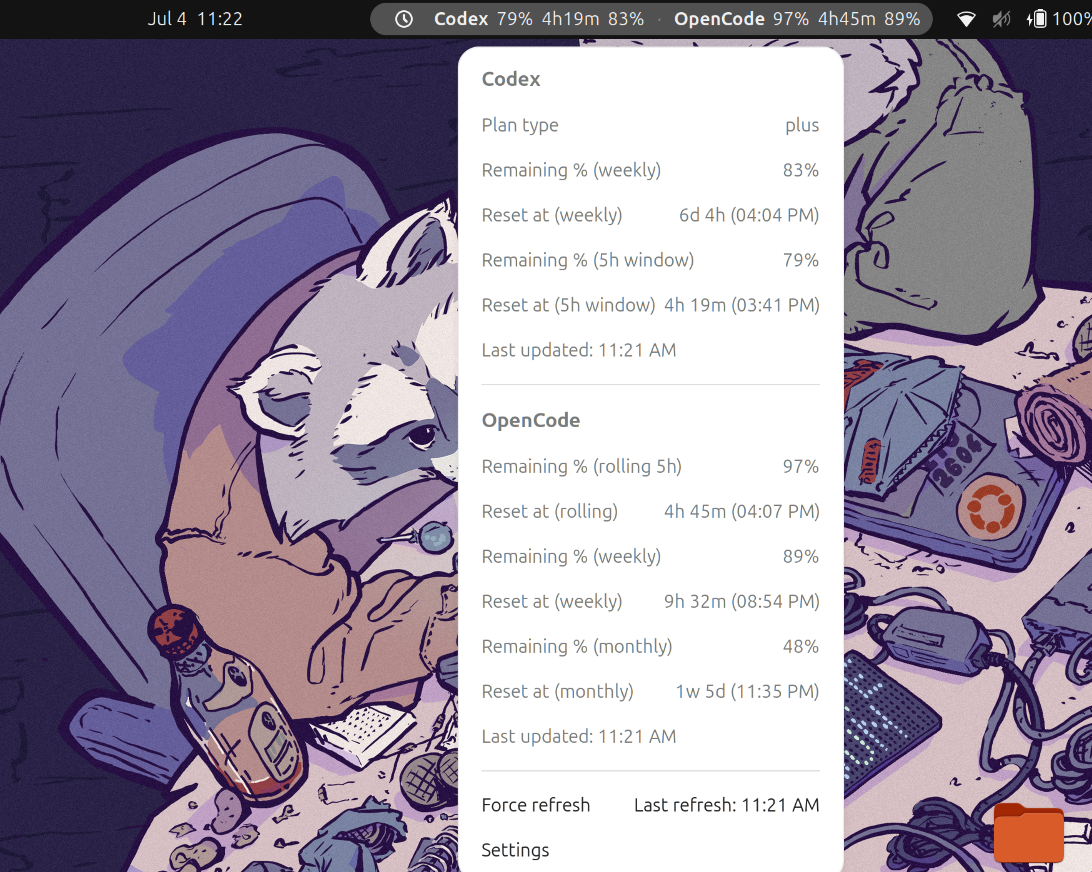
Status bar
An always-on indicator in the GNOME top bar that displays key fields at a glance.
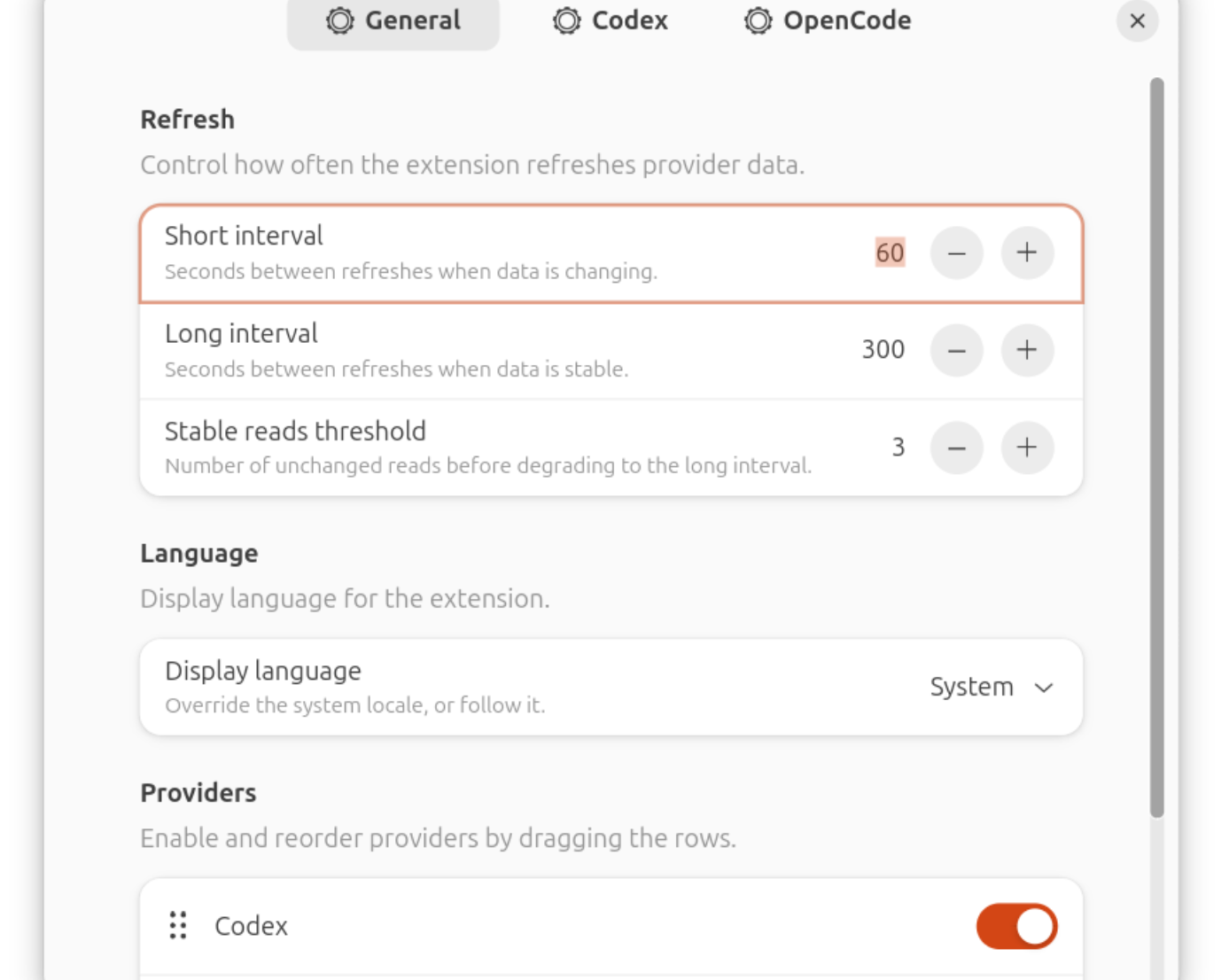
Detail panel
Clicking the indicator opens a panel with all available fields, progress bars, and reset times, plus a manual refresh option.
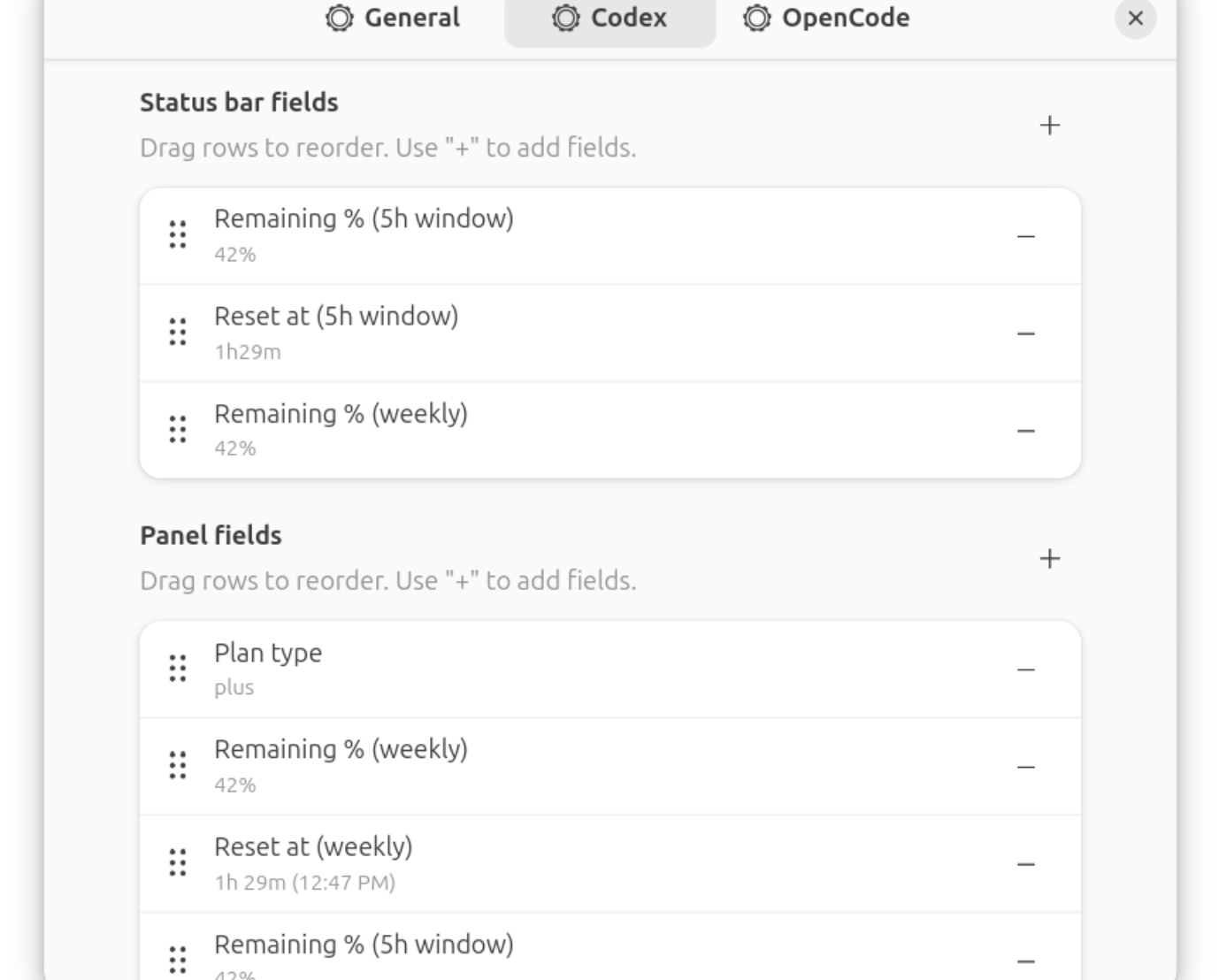
Preferences
Choose which fields to show in the status bar versus the panel, enable or disable specific providers, and customize their display order.
Why
AI coding tools restrict usage with hourly or weekly limits that reset at unpredictable times. To check your remaining limits, you usually have to run a command or open a browser tab. Both options interrupt your work.
This extension reads the local files that AI tools already save to your disk, such as session databases and auth tokens, and displays the information in the GNOME top bar. It does not require a separate login or send your credentials to any external servers.
Features
- Supports Codex, Claude, and OpenCode Go in a single indicator.
- Displays information in two areas: a compact status bar and a detailed dropdown panel.
- Allows you to configure which fields show up in the status bar and panel, and customize their order for each provider.
- Adjusts the refresh frequency automatically, polling every 10 seconds during active usage and slowing to 120 seconds when stable.
- Falls back gracefully to disk files or CLI output if the primary API is unavailable, showing partial data instead of failing.
- Discards auth tokens and cookies immediately after each check. The extension does not store credentials.
- Multilanguage support.
Provider support
| Provider | Limit fields | Telemetry fields | Data source |
|---|---|---|---|
| Codex | Used % (5h), Used % (weekly), Reset at, Limit reached | Plan type | OAuth API (chatgpt.com), SQLite disk fallback (~/.codex/logs_2.sqlite) |
| Claude | Used % (session 5h), Used % (weekly), Used % (Sonnet), Used % (Opus), Reset at | Extra usage status | OAuth API (api.anthropic.com), CLI PTY fallback |
| OpenCode Go | (coming in v1.x via web cookies) | Total cost, Sessions count, Token expiry | SQLite disk (~/.local/share/opencode/opencode.db) |
Requirements
- GNOME Shell version 45 to 50
- Node.js version 22 or newer (needed for build only)
- glib-compile-schemas (from
libglib2.0-dev-binor equivalent) - gnome-extensions CLI (installed with GNOME Shell)
- Python 3 installed at runtime (standard library only) to run the SQLite helper
Installation
From a release
Download the .shell-extension.zip file from the releases page and run:
gnome-extensions install --force gnome-provider-limits@franciscoknebel.com.shell-extension.zip
gnome-extensions enable gnome-provider-limits@franciscoknebel.com
You can open the configuration window using the GNOME Extensions application or by running:
gnome-extensions prefs gnome-provider-limits@franciscoknebel.com
The README contains details on configuration, development, and how to contribute.